Catstats Setup Instructions
Follow these steps to connect your affiliate tracking platform to CatStats for advanced analytics
📋 Prerequisites
Before starting, ensure you have Super User access to your Everflow platform and can create API keys.
1Navigate to the Catstats sign-up page, fill in the form and press Sign Up
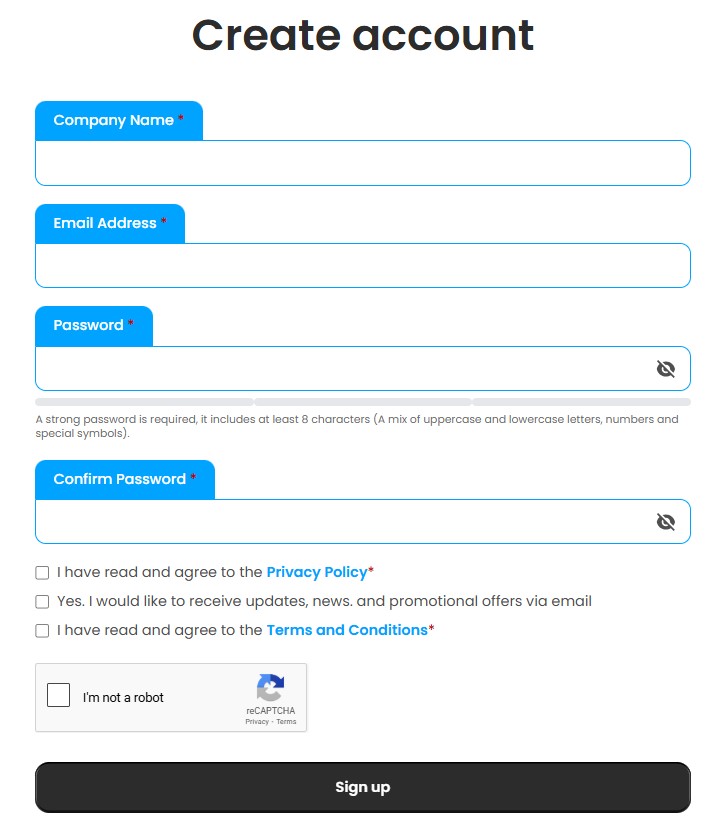
After signing up, you will receive a url on your email. Press the url to validate your email address and then login using the recently set credentials.
2Create a company
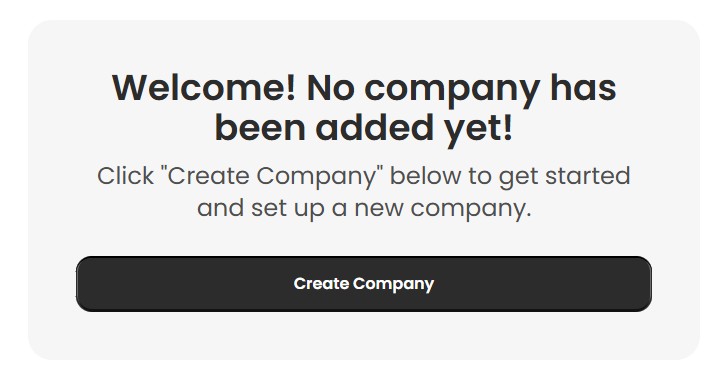
After logging into your account, you will be prompted to create a company. Please press the Create Company black button
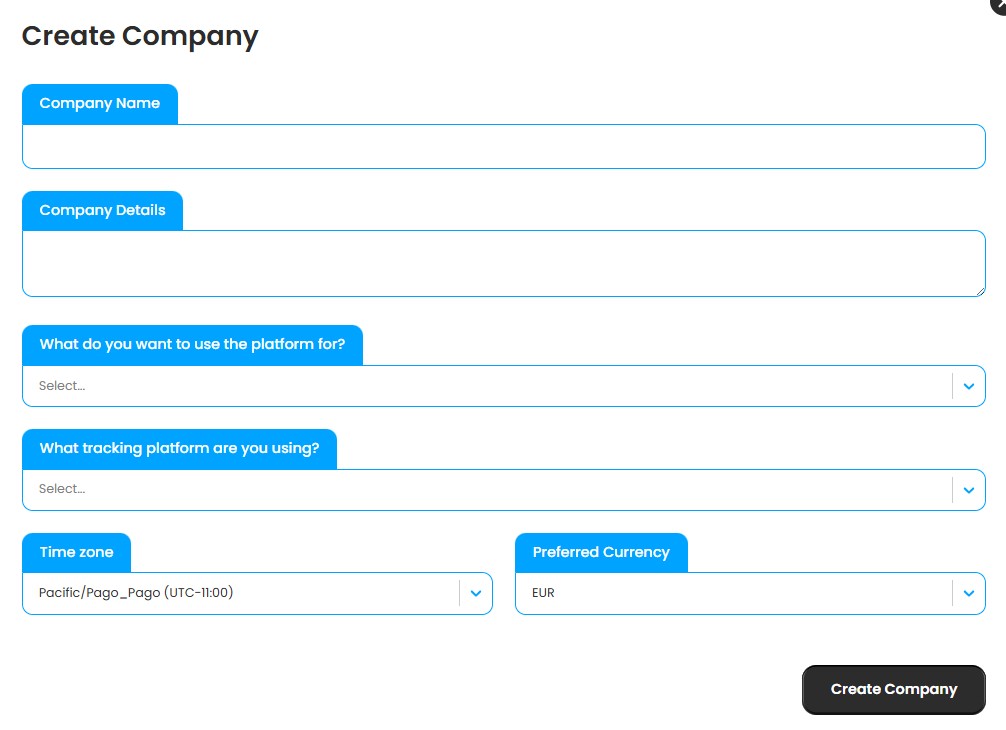
Fill in your company name, select your timezone and currency, then press the Create Company button.
3Create an Integration
Next, you will be prompted to create an integration.
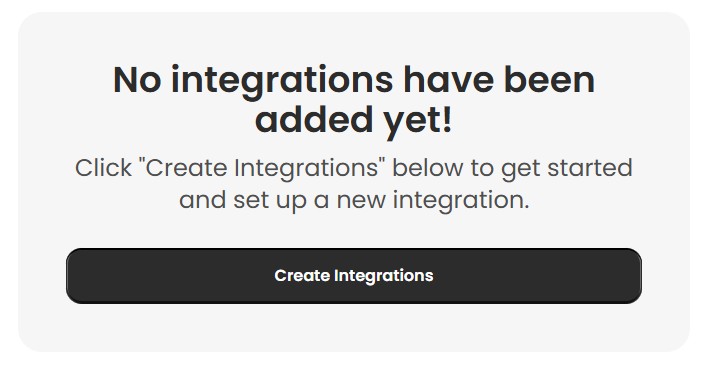
Give your integration a name and select the tracking platform that you are connecting from the dropdown.
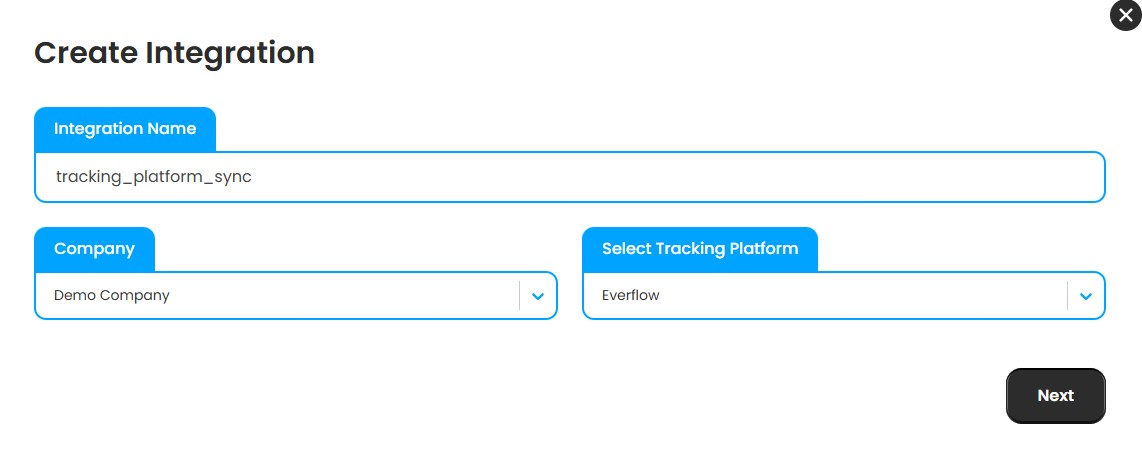
Next, depending on the platform that you have selected, a detailed guide will appear, prompting you to generate an API key and grant it the necessary permissions.
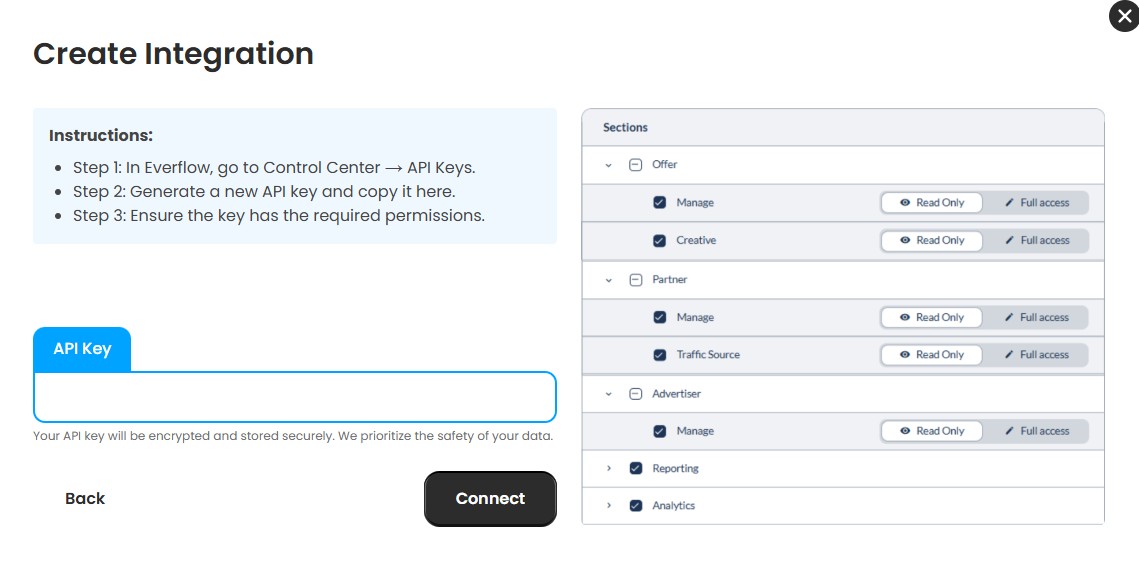
Once your API key is validated, Catstats reads the size of your integration and you are prompted to choose how to start it. You can Continue with the Free plan (EUR 0, basic visibility and monthly data updates) or start Full access with a 14-day free trial to unlock the complete Catstats experience, including AI offer recommendations and the AI Affiliate Manager. We strongly encourage the trial so you can enjoy everything Catstats has to offer.
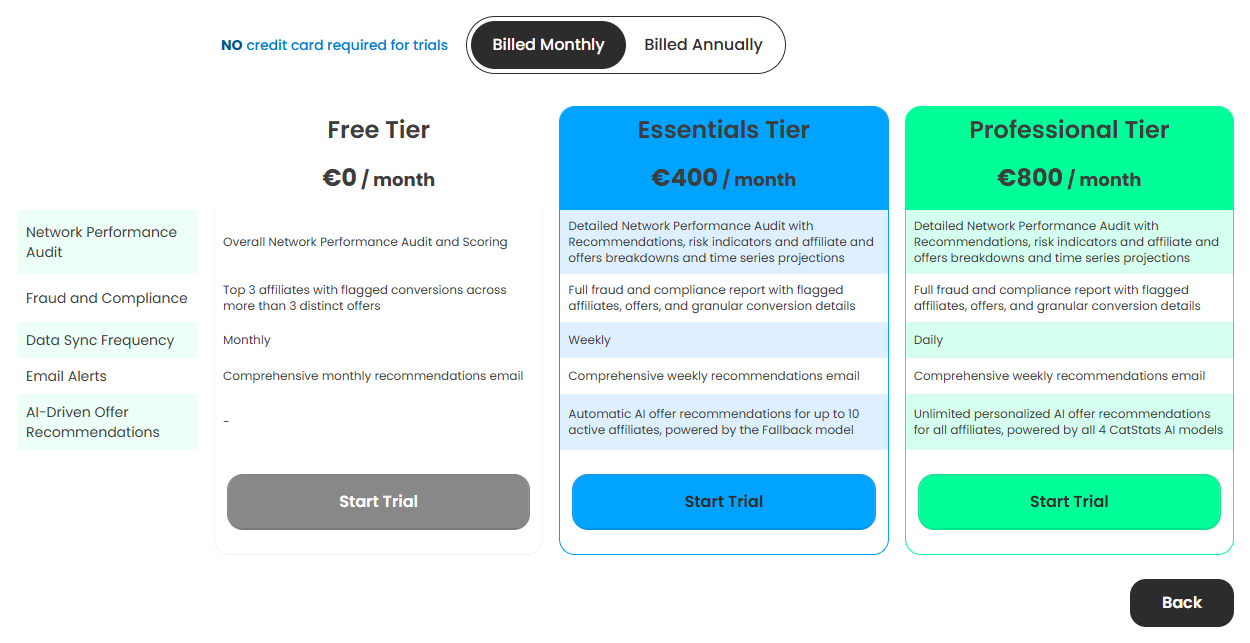
💶 How your price is built
Catstats does not use fixed tiers. Your estimated monthly price for Full access is calculated from the actual size of your integration, a base price plus the scale of your network activity (affiliate-offer pairs), conversion volume, revenue, active publishers, and active campaigns over the last 30 days. The screen shows a full breakdown of how the price is built, so you always know what you are paying for.
The price shown is an estimate for after the trial and is recalculated at each renewal as your network grows or shrinks, so it always reflects your current scale. Your upcoming amount is always visible in advance inside the platform.
Full access also includes a monthly allowance of usage credits that cover AI actions such as email recommendations, recommendation PDFs, URL generation, and AI Affiliate Manager conversations. Your subscription includes enough for normal usage, and larger teams can add credit packs later.
After this step, Catstats will begin to analyze your data and will display your reports and recommendations shortly.
Need Help with Setup?
Our team is here to help you get connected quickly and efficiently.