AI Affiliate Manager on Telegram
Bring the CatStats AI Affiliate Manager into Telegram, as a private chat or inside your team group, and ask it about your program or network right where you already work.
📋 Prerequisites
Before starting, make sure you have an active CatStats account with a connected integration, and that you are an admin of the network. Only network admins can create or revoke Telegram integrations. You will also need Telegram installed on your phone or desktop.
⚠️ Read this first: only invite the agent into trusted chats
Once a Telegram chat is connected, everyone in that chat can ask the agent questions about your affiliate program or network data (revenue, payouts, affiliates, offers, advertisers, and more). There is no separate login inside Telegram, membership of the chat is the access, and everyone in the chat sees the entire network's data, not just their own.
The agent is not scoped to a single affiliate. It answers from your whole network's data, so it is built for internal company communication channels only. Do not invite it into any chat where you talk with affiliates: an affiliate could simply ask it and learn other affiliates' revenue, offers, and payouts, or commercial relationships with advertisers you may want to keep private. It has no per-affiliate walls and cannot hide part of the network from anyone in the chat.
In practice, that means:
- Only connect a private chat that belongs to you, or an internal team group whose every member you trust with this data.
- Never add it to any chat that includes affiliates, advertisers, contractors, partners, public groups, or shared channels.
- Be careful who you later add to a connected group, new members immediately gain the same full access.
- If a chat is no longer trusted, revoke it from CatStats right away (see the last step).
CatStats bears no responsibility for data exposed to, or misused by, anyone you choose to invite into a connected chat. See our Terms & Conditions and Privacy Policy for the full terms.
1Open the AI Affiliate Manager in CatStats
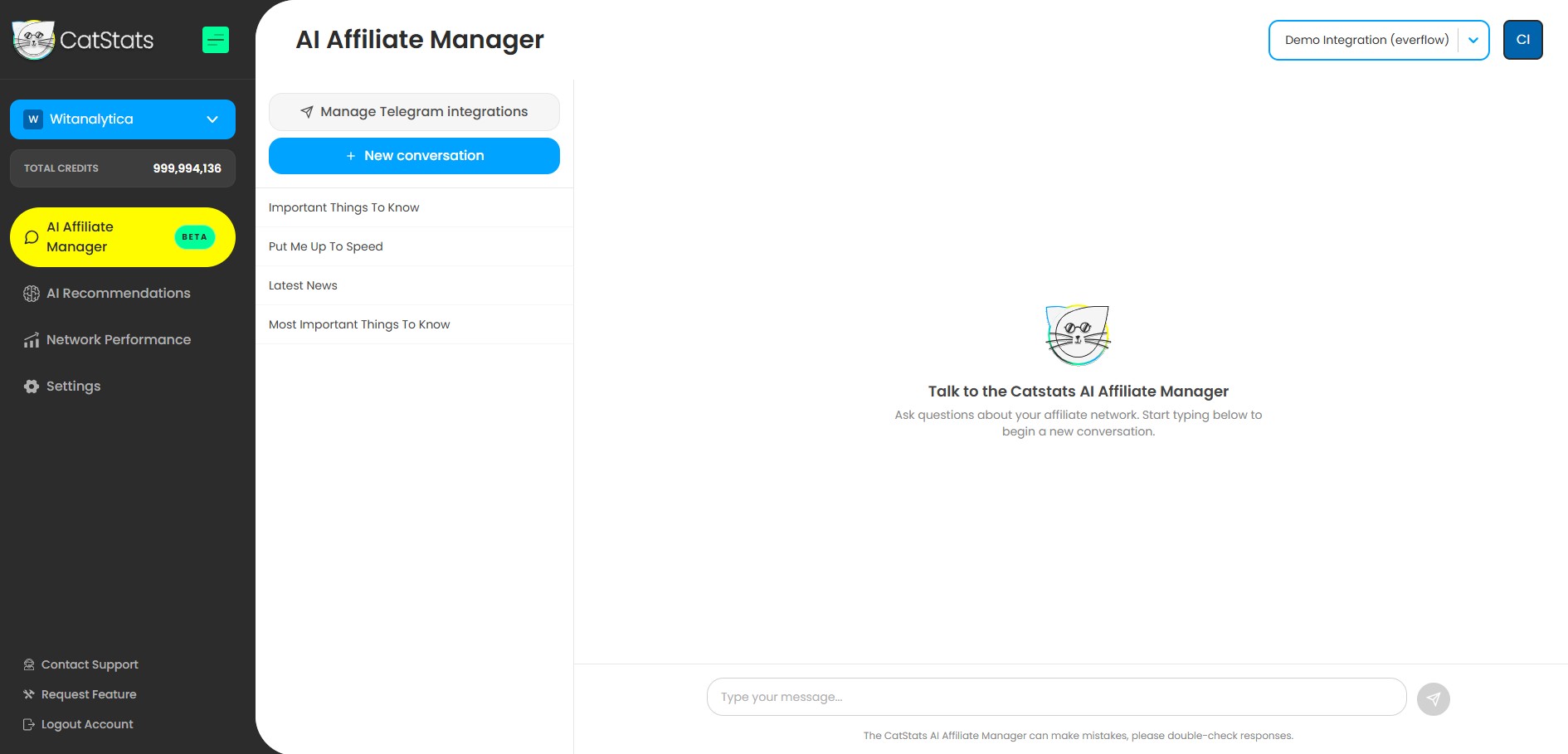
Log in to app.catstats.ai, select the company and integration you want to connect, and open the AI Affiliate Manager from the left menu.
2Click "Manage Telegram integrations"
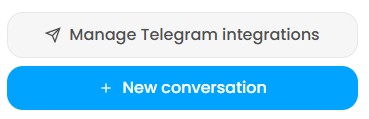
In the AI Affiliate Manager, click the Manage Telegram integrations button. This opens the panel where you create new Telegram connections and see the ones you already have.
3Choose a private or a group integration
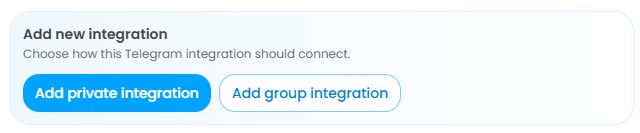
In the panel, under Add new integration, choose how the agent should connect:
- Add private integration connects the agent to a one-on-one chat between you and the bot. Only you can talk to it. In a private chat the agent replies to every message.
- Add group integration lets you add the agent to a Telegram group where your team works. In a group, the agent only answers when you @mention it or reply to one of its messages, other messages are just read for context.
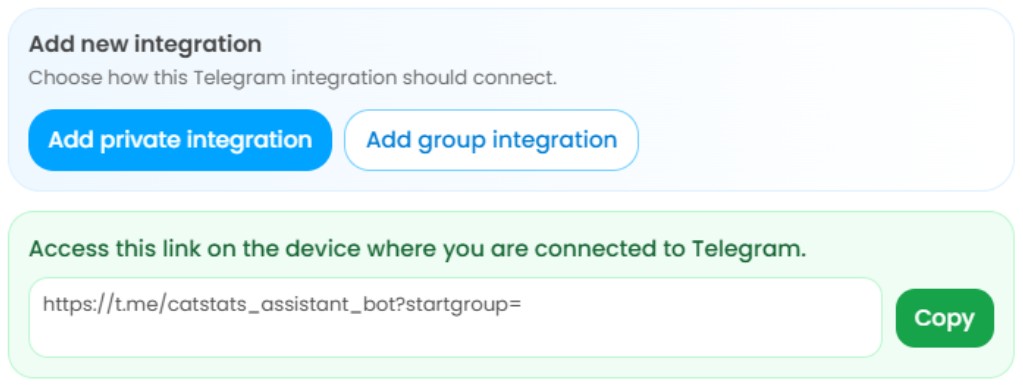
4Copy the link and open it in Telegram
CatStats generates a secure link. Click Copy, then open that link on the device where you are logged in to Telegram (phone or desktop). Telegram will open the CatStats bot.
- For a private integration: the link opens a chat with the bot. Press Start and the agent will greet you.
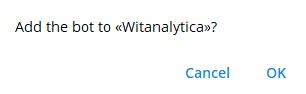
- For a group integration: Telegram asks which group to add the bot to. Pick the trusted group, confirm, and the agent will post a short greeting in the group once it is connected.
5Start asking the agent questions
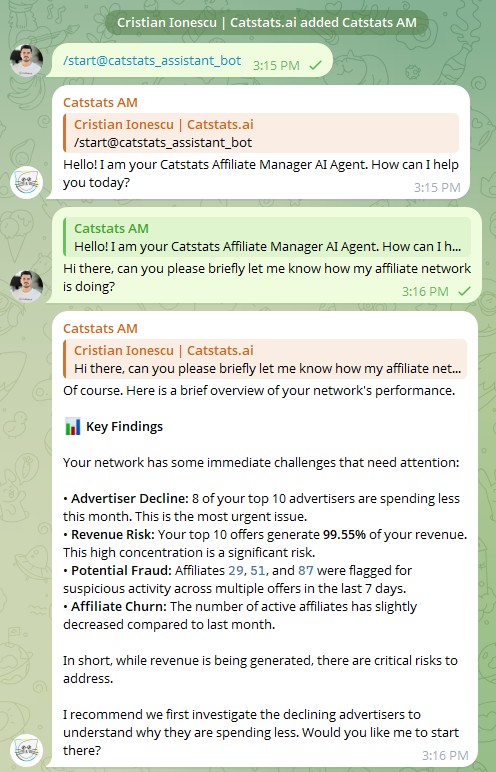
That is it, the agent is now connected to your program's data. Ask it whatever you need, in plain English:
- "Which affiliates went quiet this week?"
- "What offers are gaining traction?"
- "Is anything hurting my margin right now?"
- "Draft a reactivation message for my top affiliate that stopped sending traffic."
In a group, remember to @mention the bot (or reply to one of its messages) so it knows the question is for it.
6Keep it under control and revoke when needed
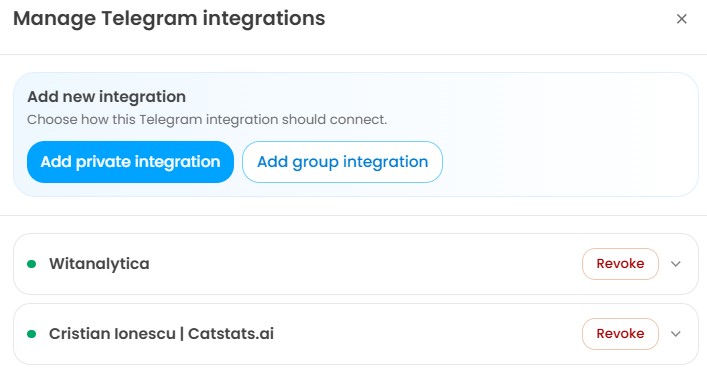
You stay fully in control of every connection. In the same Manage Telegram integrations panel you can see each connected chat and revoke any of them at any time. Revoking immediately cuts the agent's access to that chat's data.
Your data, your responsibility inside Telegram
Telegram is a third-party service operated by Telegram FZ-LLC, not by CatStats. Messages you and your team send in a connected chat, and the agent's replies, pass through Telegram's infrastructure and are subject to Telegram's own terms and privacy policy.
Deciding who to invite into a connected chat, and keeping that chat's membership trustworthy, is entirely your responsibility. CatStats is not responsible for any data exposure, breach, leak, or misuse that results from the people you grant access to, from a compromised Telegram account or device, or from Telegram itself. Please read the Terms & Conditions and Privacy Policy before connecting a chat.
Need Help Connecting Telegram?
Our team is here to help you get connected quickly and safely.